Create a Moment
Group the photos and videos from the event you want to share.

Private family photo sharing
Short answer: Choose one family Moment and invite only the people who should see it. Sharing that Moment does not reveal the rest of your account or future uploads.
Up to 5,000 photos free · Private by default · No advertising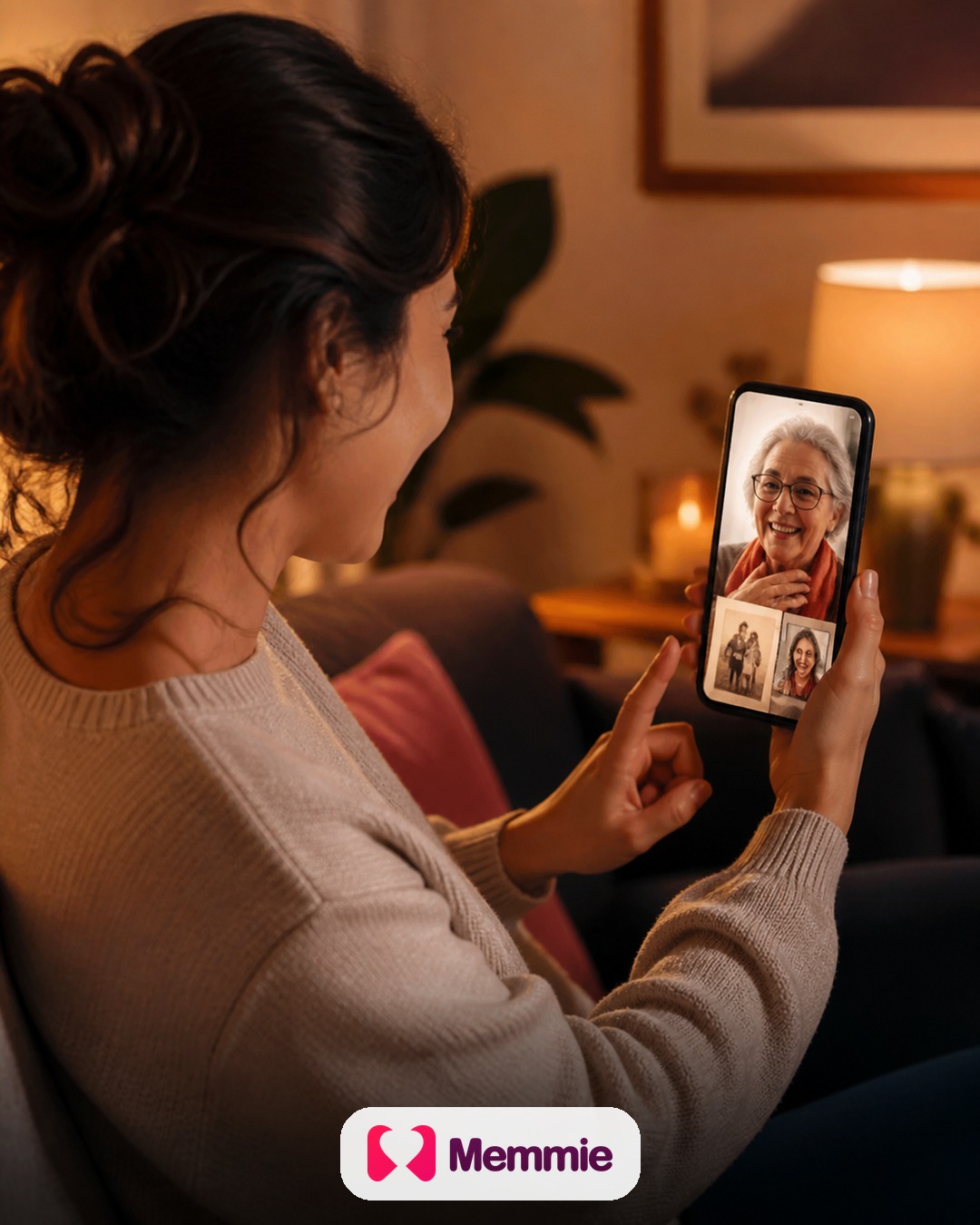
The problem
Social networks encourage broad audiences, while messaging apps quickly bury photos. Selective album access gives relatives a calm place to view or contribute without turning family life into public content.
A practical answer
Group the photos and videos from the event you want to share.
Invite specific people instead of publishing a public link or feed.
Use viewer for enjoyment, contributor for uploads or manager for broader control.
The recipient signs in and accepts or declines the invitation.
Only the selected Moment is shared; unrelated material stays in your account.
Contributors can add their own view of the same family event.

More than storage
Memmie treats sharing as permission to one Moment, not permission to browse a person’s entire timeline. That boundary remains clear for both current and future uploads.
Questions answered
Use a private, invitation-based album, invite only known recipients and avoid publishing the album to a public social feed.
Yes. Memmie sharing applies to the selected Moment rather than your entire account.
Yes, when you invite them with the contributor role.
No. Their unrelated uploads remain private unless they deliberately contribute them to the shared Moment.
Access is managed per Moment, allowing the owner or manager to control who is included.
Create a private family album and invite only the relatives you choose.
Create my free Memmie