Create the event
Name the birthday, wedding, reunion, holiday or weekend and add its date and place.

Shared family events
Short answer: Create one private Moment for the event, invite family members as contributors and keep their different photos and videos together in chronological context.
Up to 5,000 photos free · Private by default · No advertising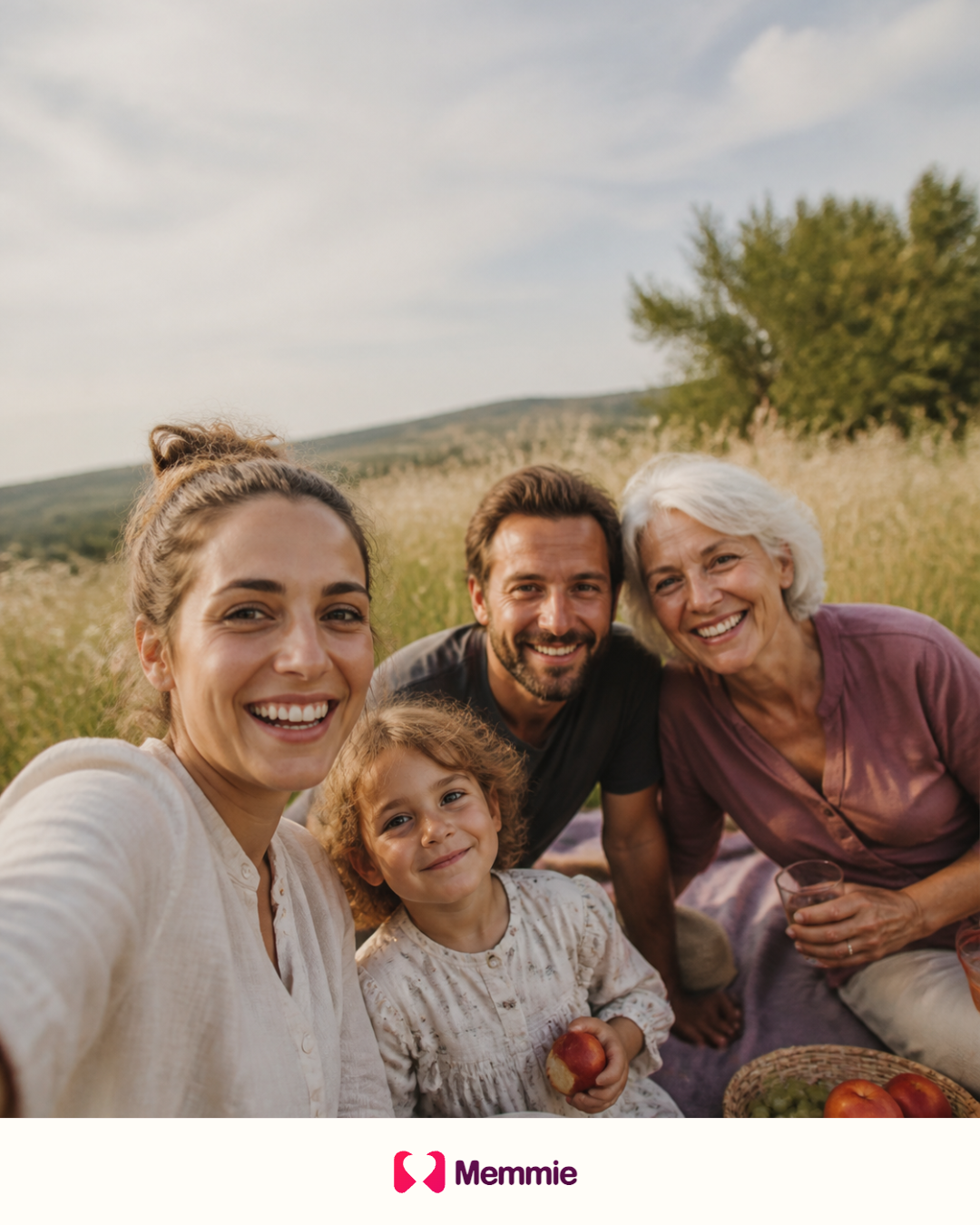
The problem
After a wedding, birthday or family holiday, the best photographs often remain across several phones and message threads. A shared event gives everyone one clear destination before the collection disappears into separate libraries.
A practical answer
Name the birthday, wedding, reunion, holiday or weekend and add its date and place.
Upload the first selection so invited relatives immediately understand the Moment.
Ask the people who attended to add the photographs and videos from their own devices.
Add the family timelines involved so the event belongs to all relevant lives.
Keep the useful photographs, descriptions and context in one coherent album.
The finished event remains accessible from the album and the connected timelines.

More than storage
Instead of forwarding copies between phones, contributors add their own originals to the same Moment. The shared event can then appear on several family timelines without exposing anyone’s unrelated library.
Questions answered
Create one shared Moment and invite attendees as contributors so they can add files from their own accounts.
Examples include birthdays, weddings, reunions, holidays, school celebrations, memorials and ordinary weekends together.
No. Sharing the event does not expose unrelated Moments or future uploads.
Yes. Supported photos and ordinary phone videos can be kept together in the event.
Yes. Add the relevant people so the same Moment connects their individual timelines.
Create the family event, add the first photos and invite the people who were there.
Create my free Memmie